View fields
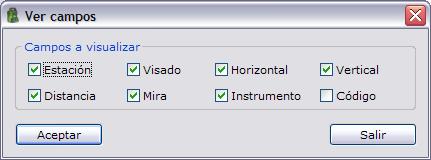
From this dialog box you can choose the fields to display, both in the point files and in the observation files. To display this dialog box, right-click the header of the data shown in TopCal. A context menu appears that contains the View fields option. When you choose it, a dialog box appears whose content varies according to the type of the current file:
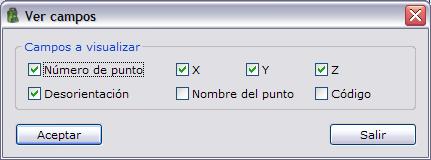
- If it is a point file, the data you can choose are: Point number, E, N, H, Orientation, Point name and Code.
- If it is an observation file, the data you can choose are: Station, Target, Horizontal, Vertical, Distance, Reflector, Instrument and Code.
You can also select these fields from the Preferences dialog box of the Edit menu.