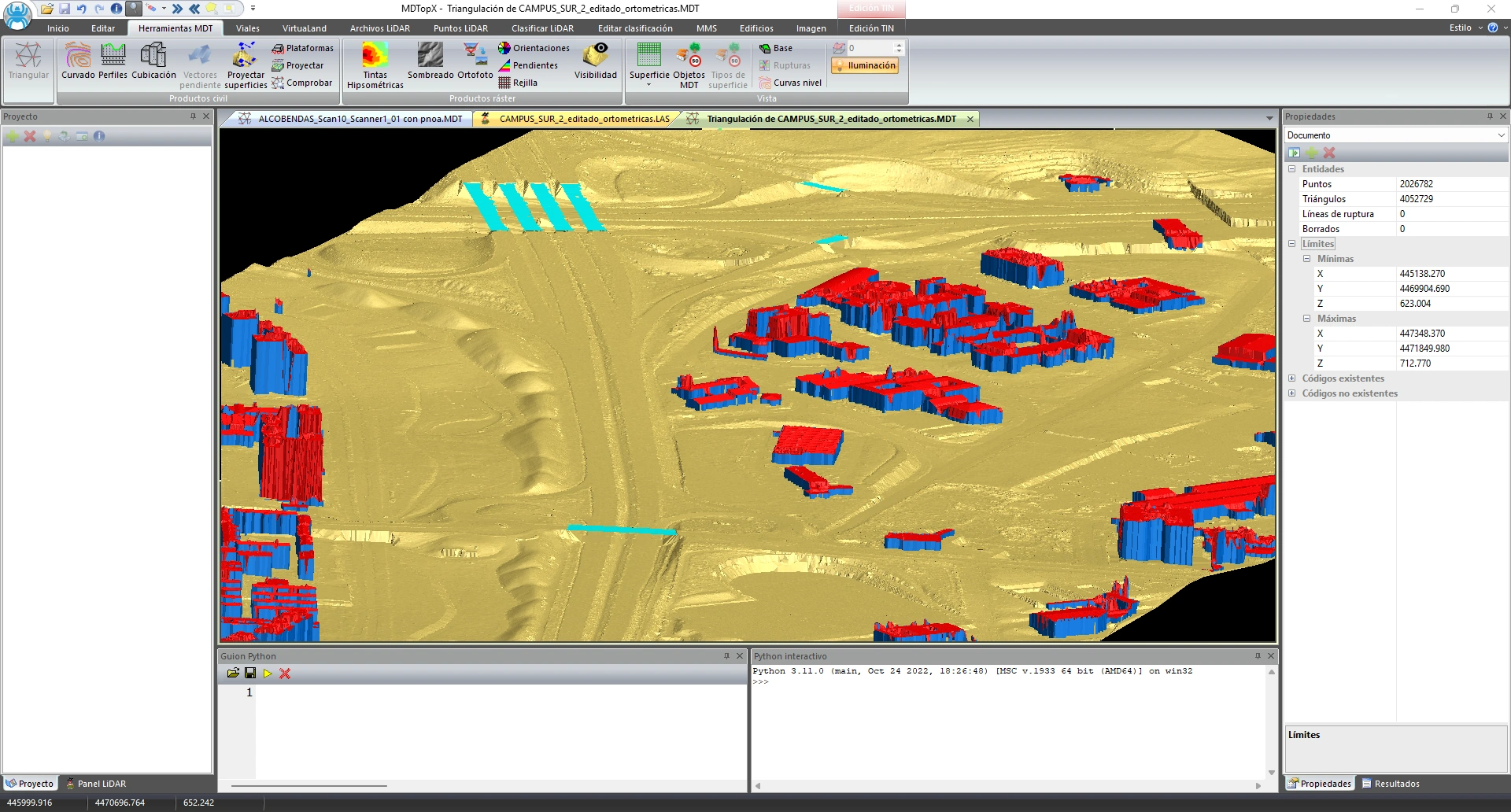
Terrain triangulation (TIN)
Generate a triangulated surface from points, breaklines, and boundaries.
Generate a terrain surface constrained by the supplied breaklines.
Digital terrain models, LiDAR, roads.
Professional software for surveying, digital terrain and surface models (DTM/DSM), LiDAR, photogrammetry, and civil engineering. Generate surfaces from field data, point clouds, images, or mapping, analyze them, and produce engineering results: contour lines, profiles, volumes, roads, orthophotos, and 3D models.

Explore its features by work area.
Build triangulated surfaces and digital elevation models (DEM) on regular grids from points and lines, and edit model vertices and breaklines.
Generate a triangulated surface from points, breaklines, and boundaries.
Generate a terrain surface constrained by the supplied breaklines.
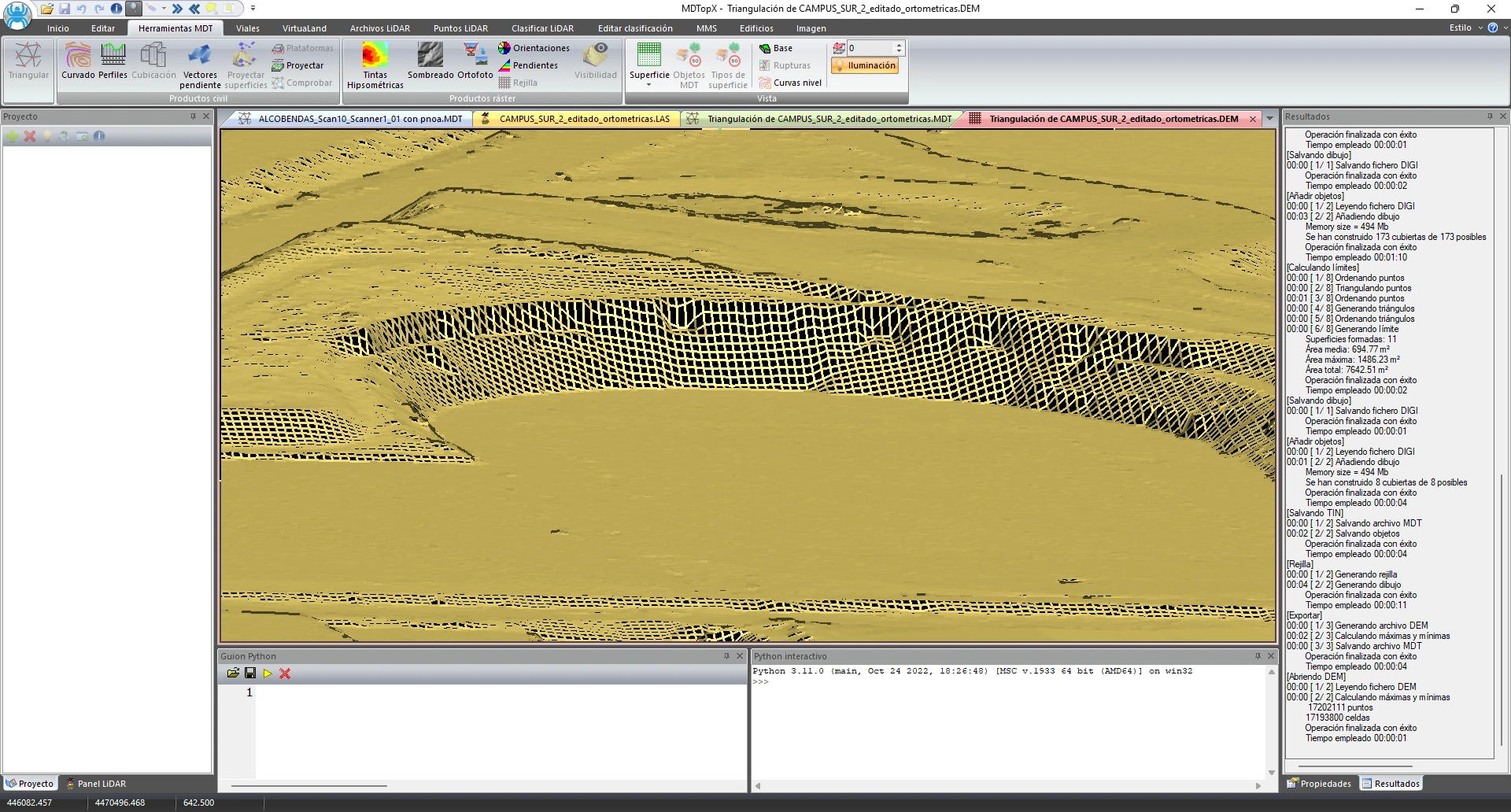
Create or derive a regular elevation grid from the model.
Run terrain analyses and calculations on a regular elevation grid.
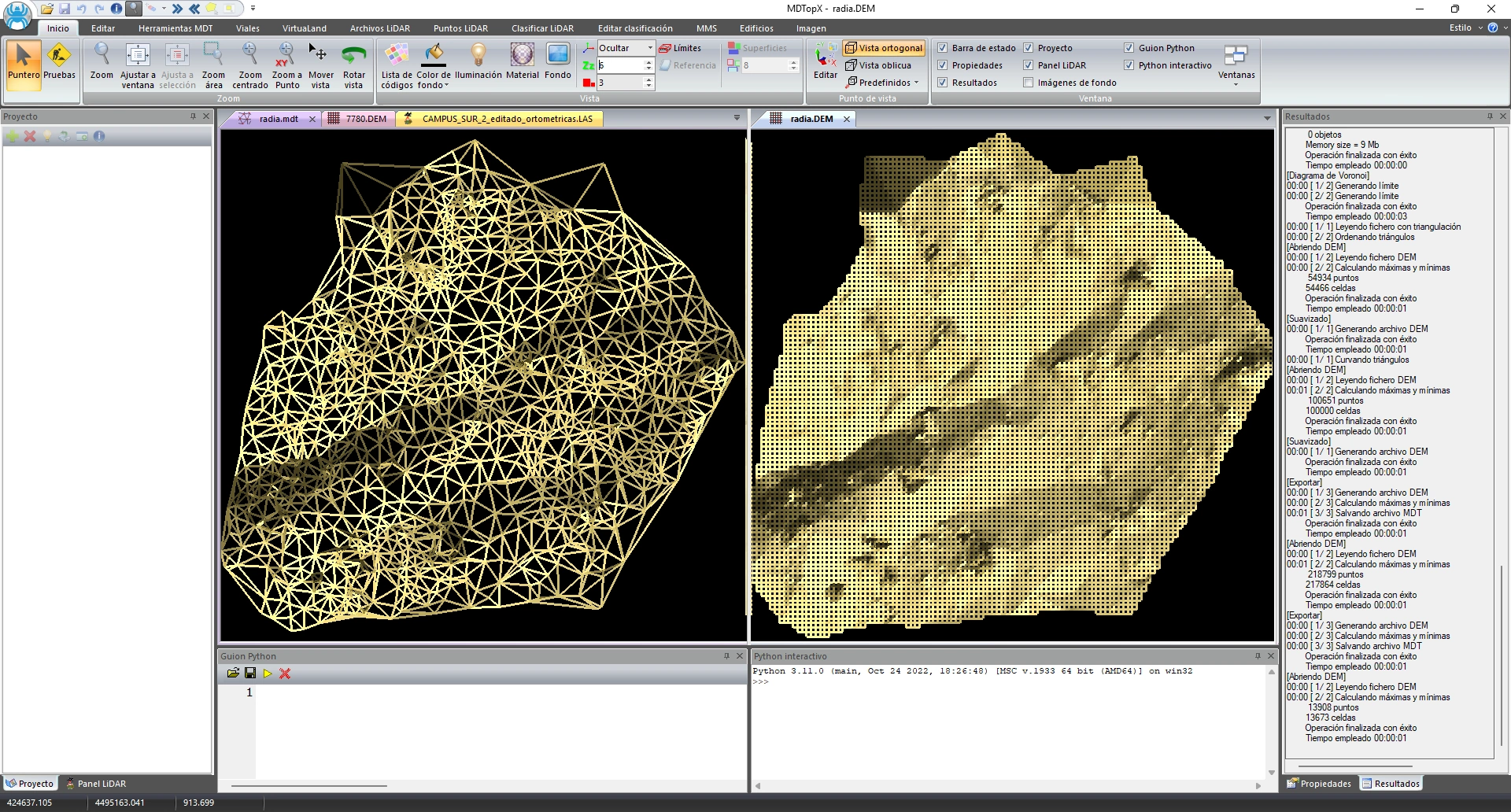
Convert between triangulation and a regular grid, updating the model.
Switch model types to suit each task.
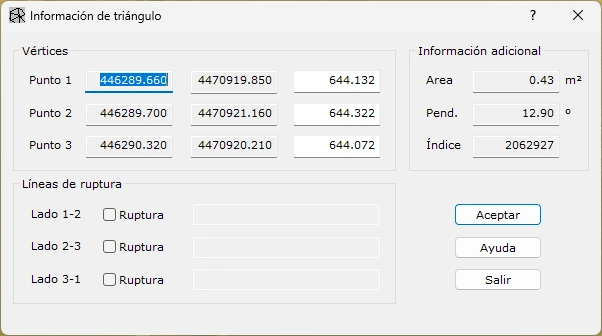
Insert or delete vertices and breaklines, retriangulate areas, and insert new entities.
Correct and refine the model manually in selected areas of the model.
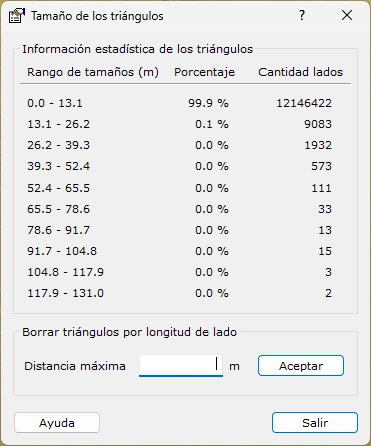
Remove triangles or vertices by side length, slope, height difference, or elevation range; delete spikes and erroneous points.
Remove artifacts from the model.

Interpolate areas with no model data using the surrounding information.
Get a continuous surface with no data gaps.

Calculate and update the surface's inner and outer boundaries.
Precisely define the extent of valid model information.
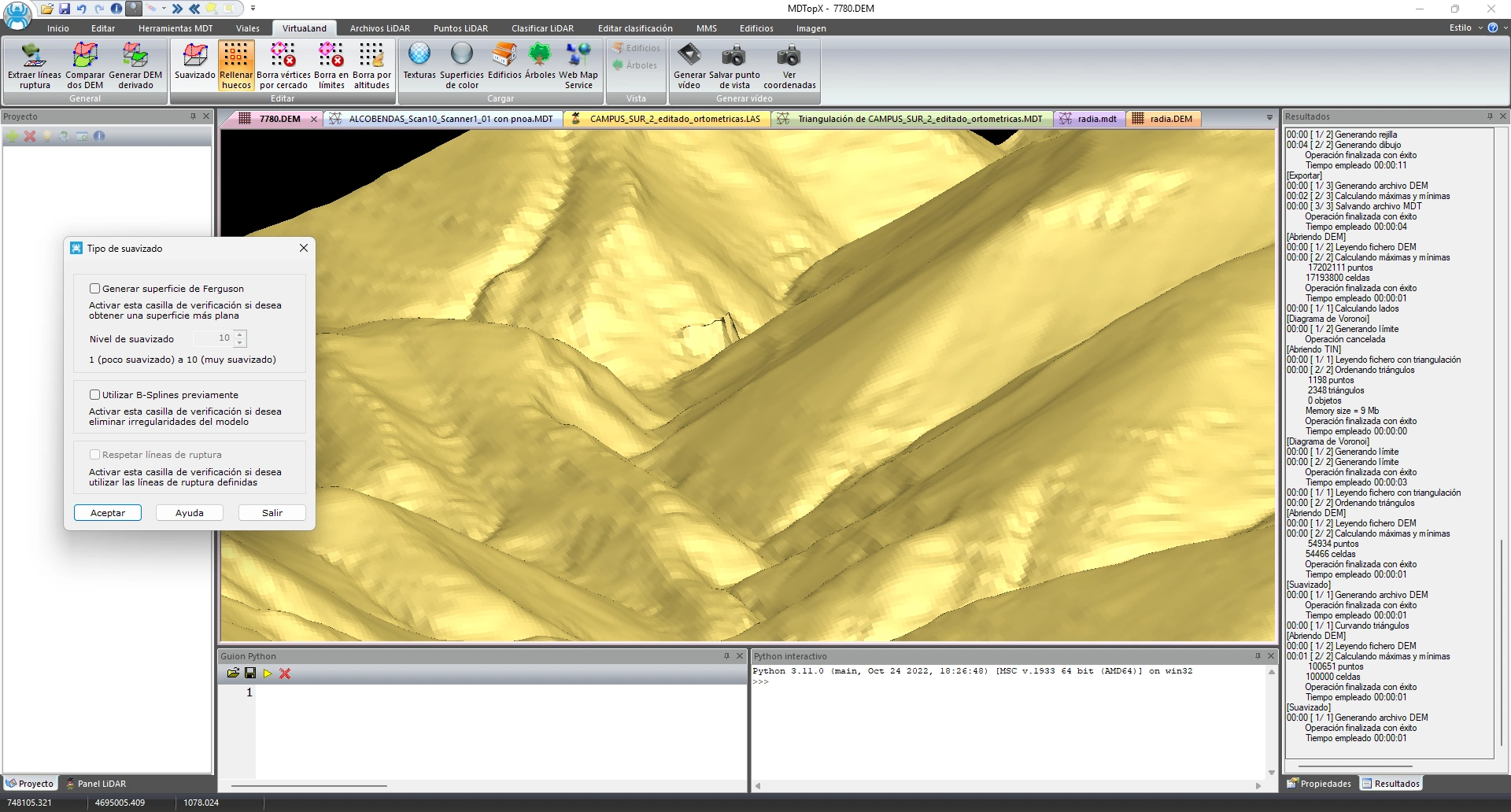
Smooth the model for a more continuous representation of the terrain.
Improve surface appearance and continuity while preserving the terrain's shape.
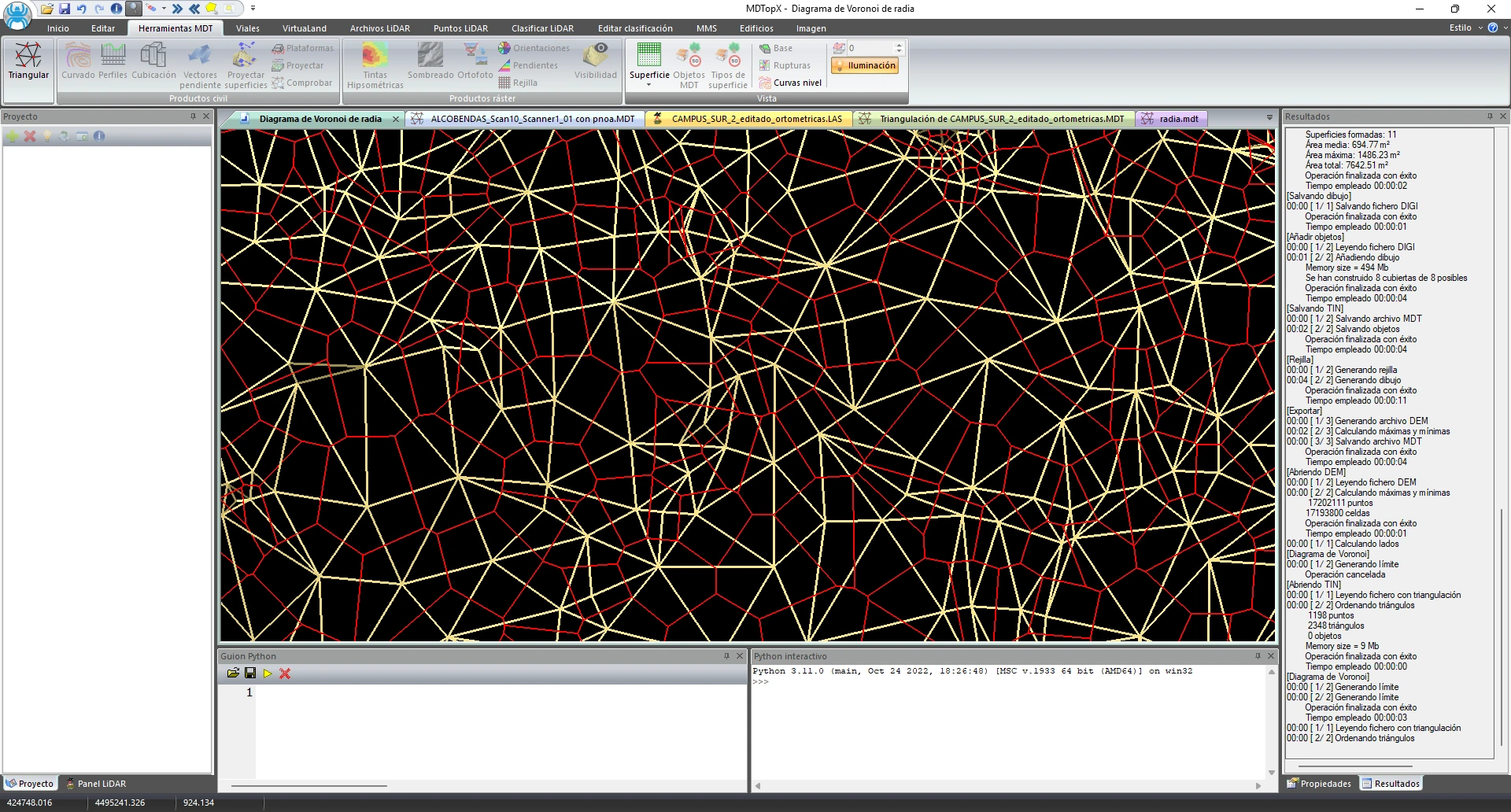
Generate the Voronoi diagram for the point set.
Divide the terrain into regions assigned to the nearest survey point.
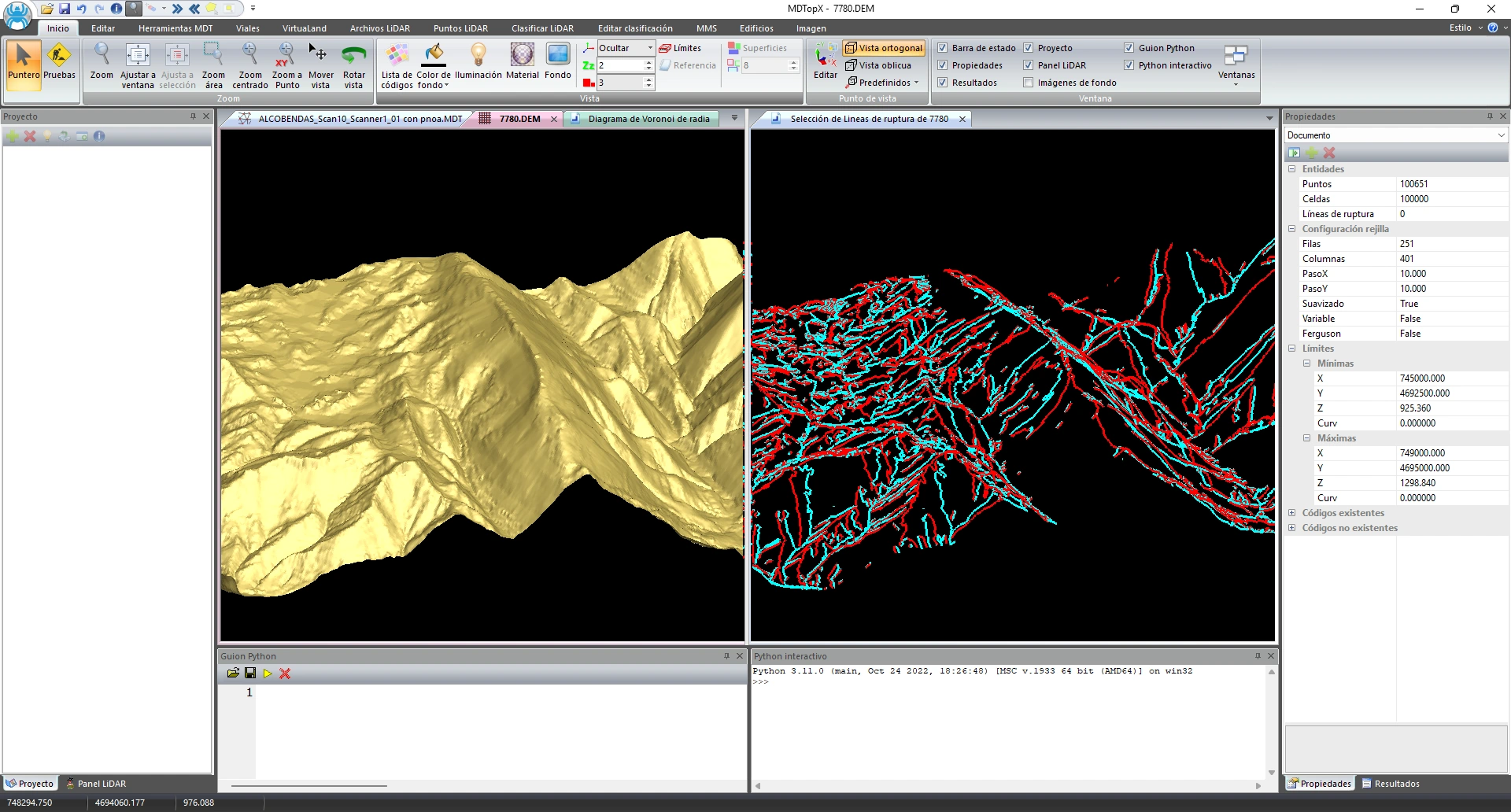
Detect and extract terrain breaklines from the model.
Automatically obtain the terrain's characteristic lines.

Place roofs and reinterpolate flat areas of the model.
Integrate roofs and reinterpolate flat areas in the terrain model.

Check elevations, hydrography, and connections, and detect erroneous points and spikes.
Check model elevations and connections and identify erroneous points before delivery.
Produce contour maps with a configurable contour interval.
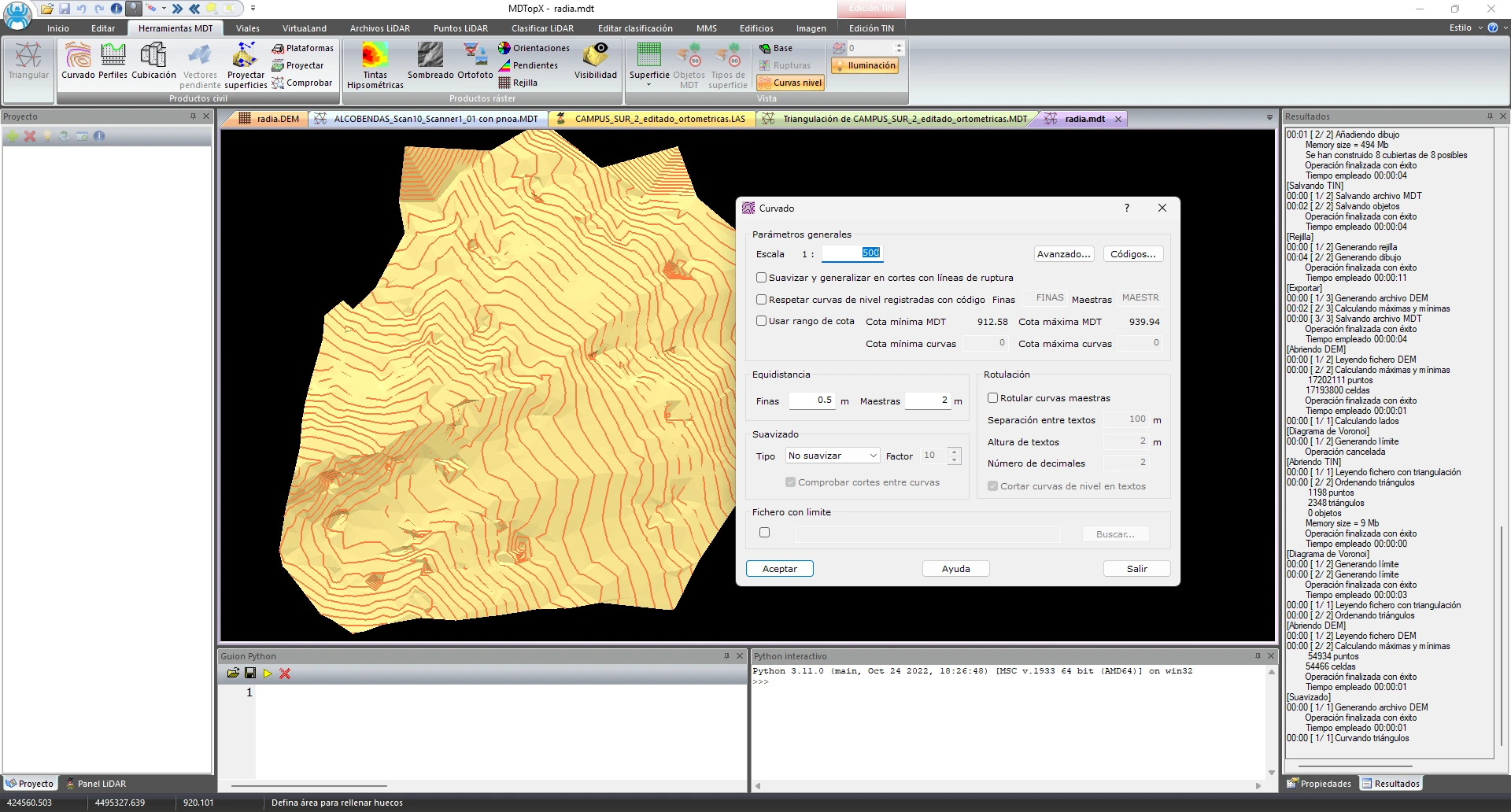
Generate a contour map with a configurable contour interval.
Produce contour maps from the model.

Obtain contour lines directly from a LiDAR cloud without triangulating first.
Generate contours quickly and directly from the cloud.
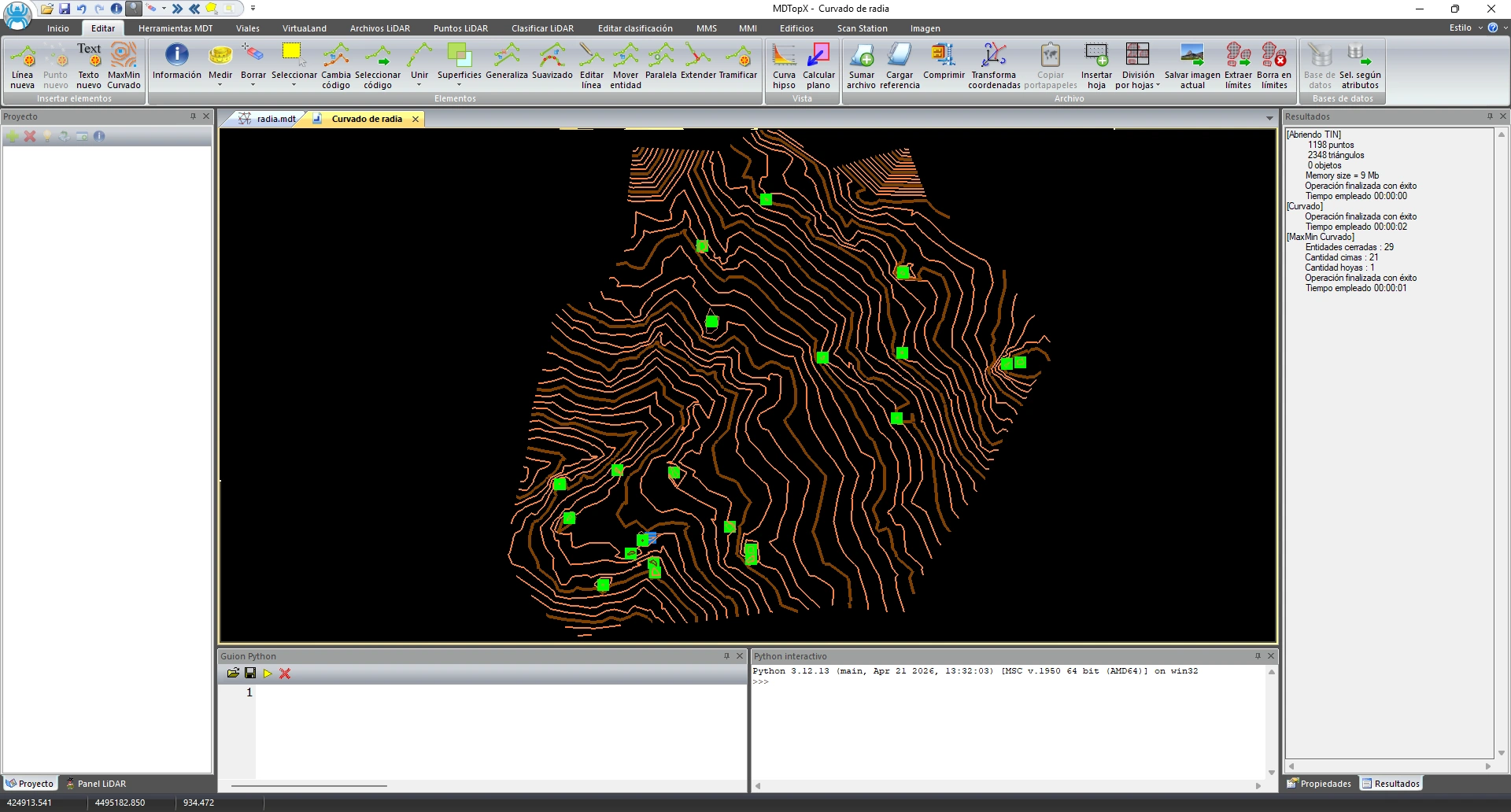
Locate notable elevations (peaks and depressions) on contour lines.
Identify the terrain's high and low points at a glance.
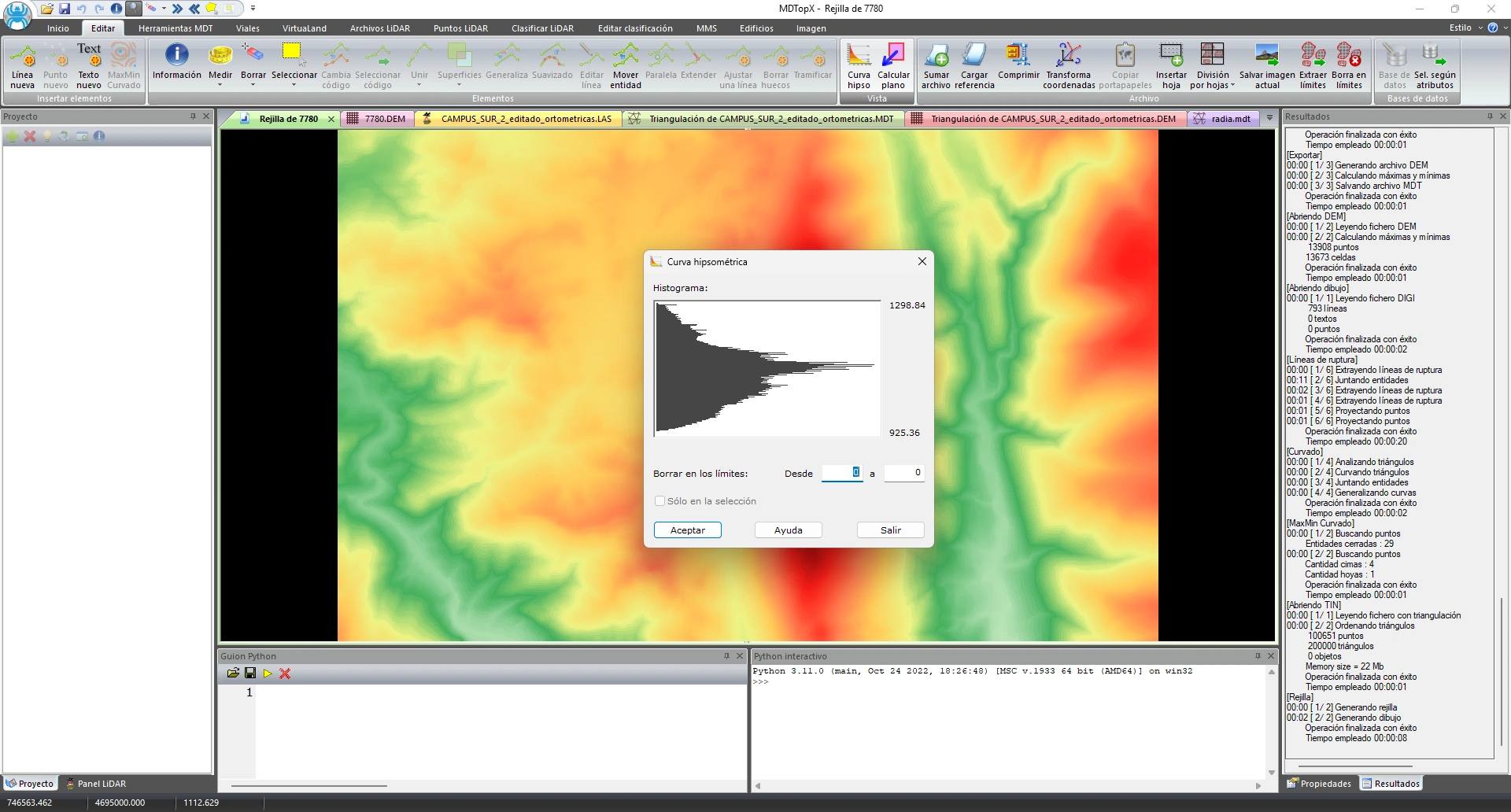
Chart showing the distribution of terrain entities by elevation.
Understand how surface area is distributed across elevation bands.
Extract terrain information and generate full-color thematic maps for analysis and reports.
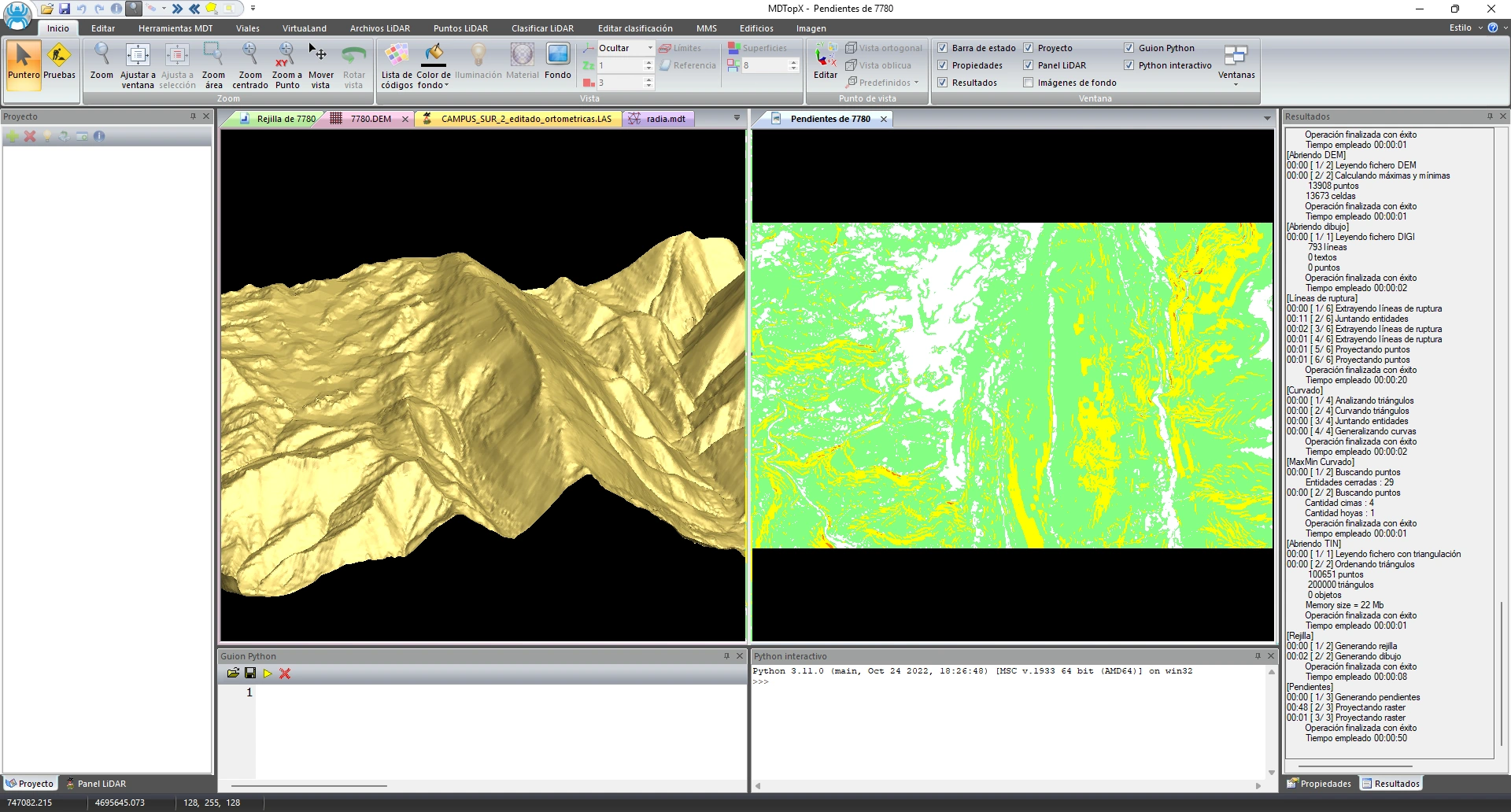
Color the terrain by inclination, using slope ranges.
Display flat and steep areas using slope colors.
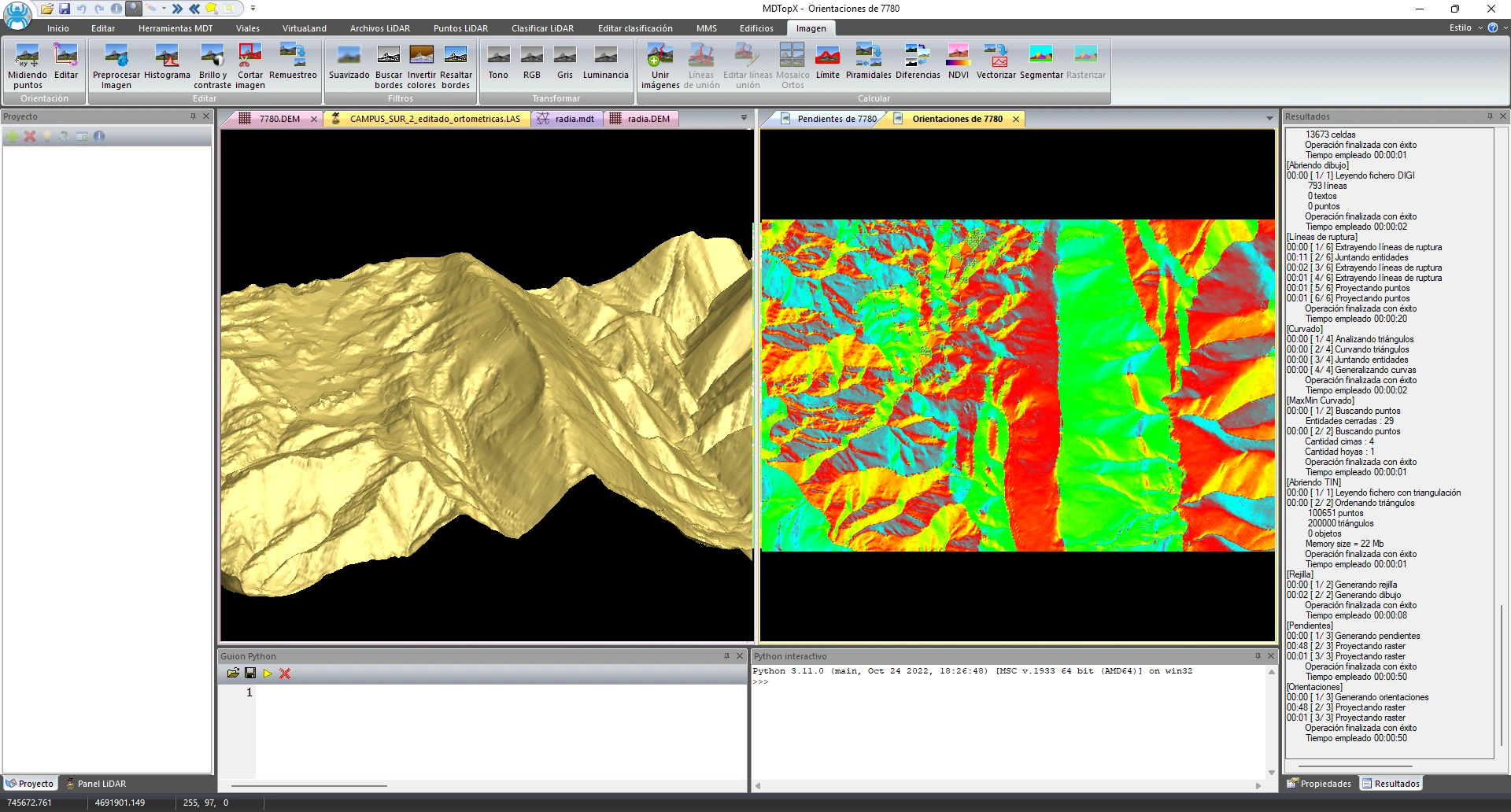
Color the terrain by slope aspect (exposure).
Identify each slope's solar exposure.
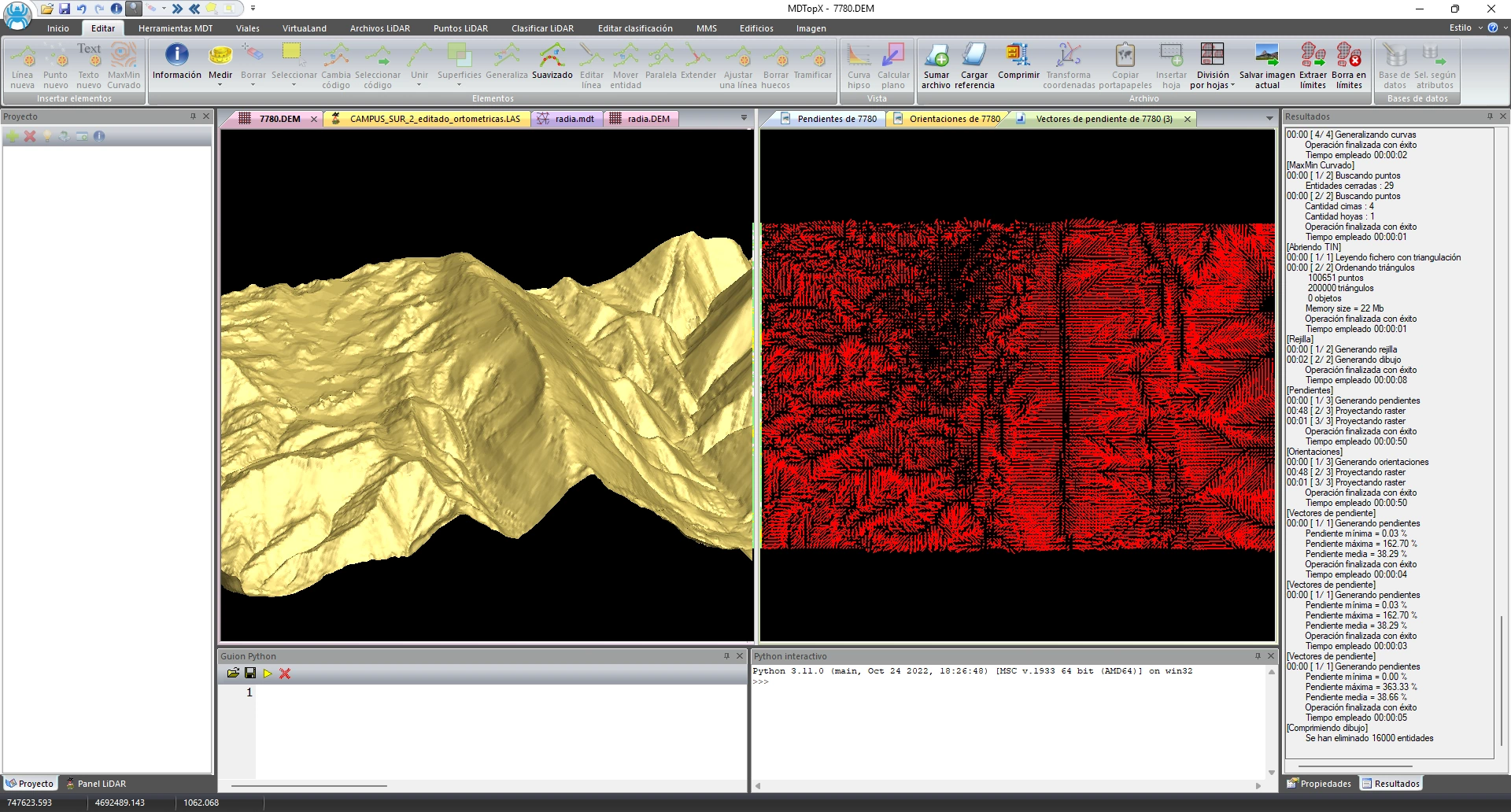
Represent the direction and percentage of the steepest slope as vectors on the terrain.
Visualize water flow direction and the steepest slope at each point.
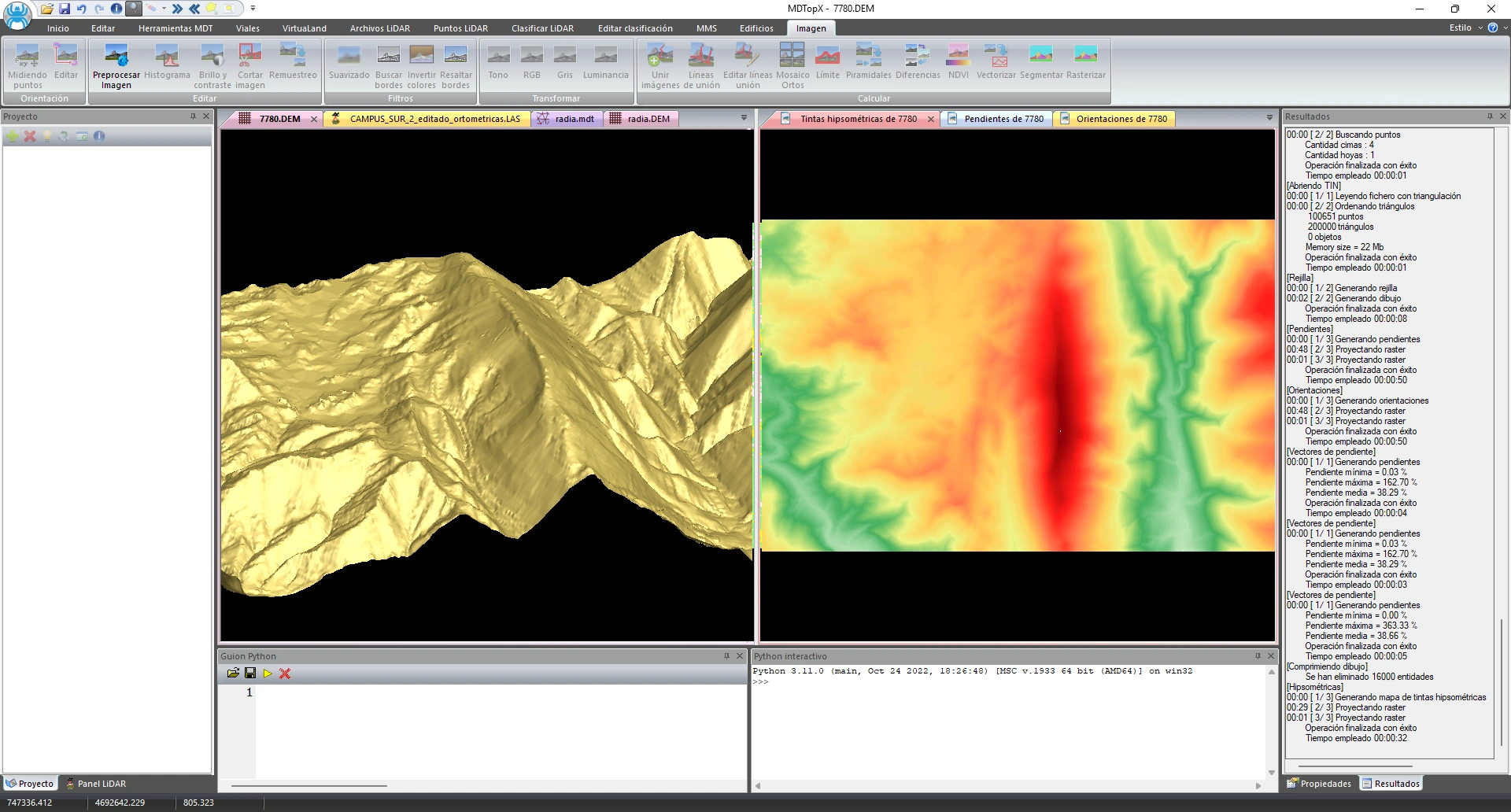
Color the terrain by elevation with a color ramp divided into intervals.
Read elevations at a glance with a full-color map.
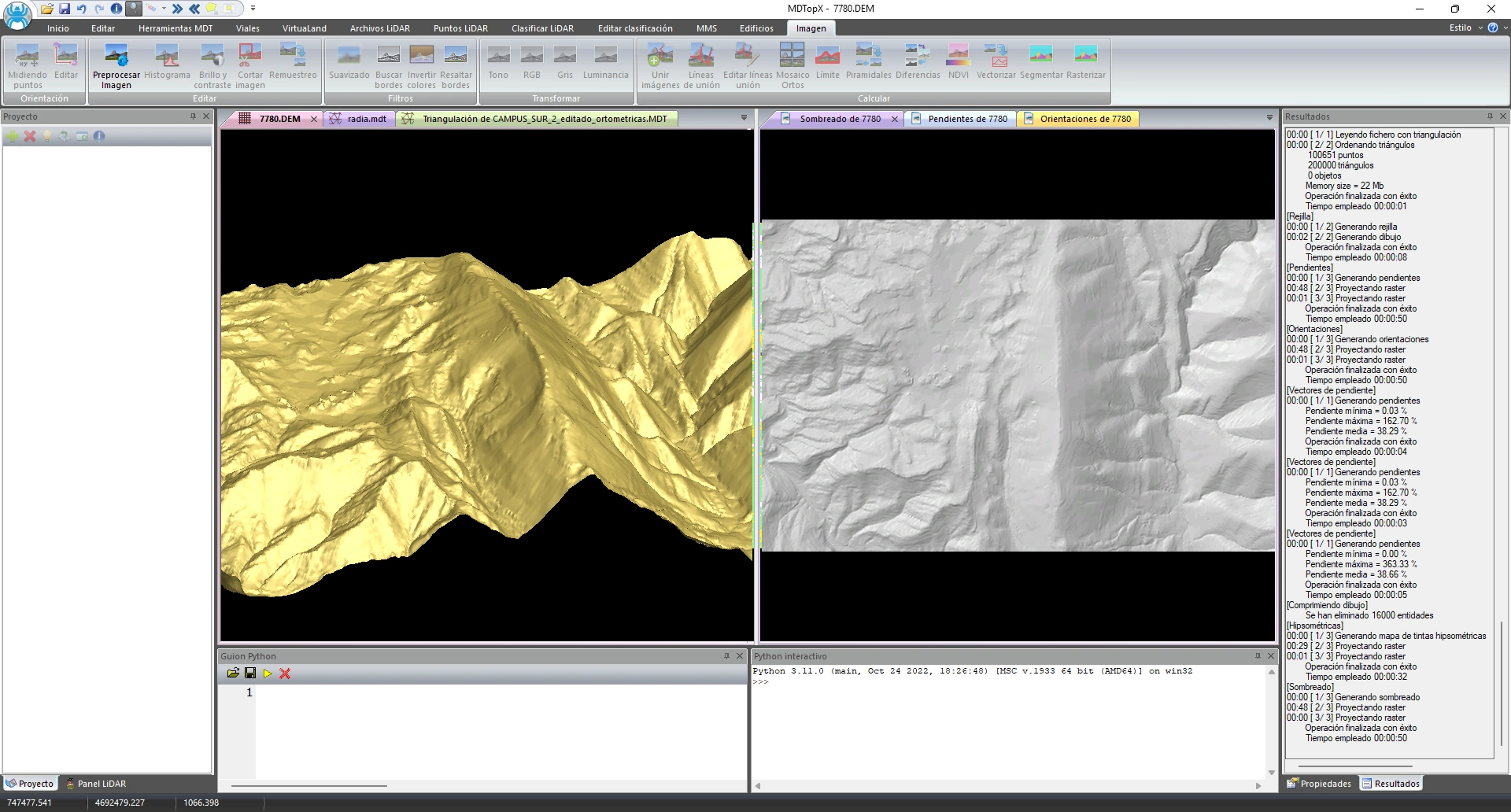
Generate terrain shading with overhead or oblique lighting.
Display terrain relief using simulated lighting for maps and visualizations.
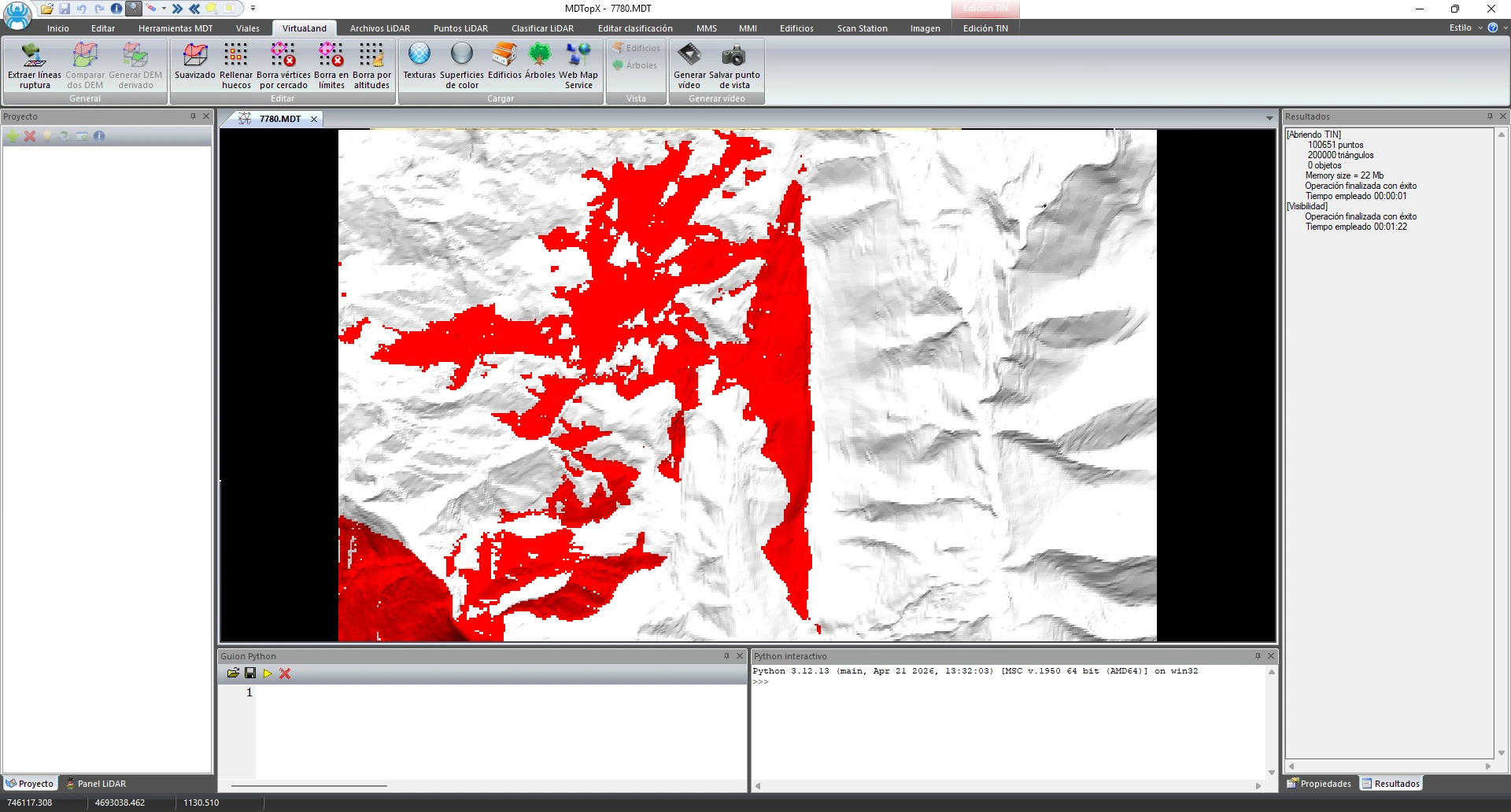
Calculate which areas are visible and which are hidden from an observation point.
Perform viewshed and landscape impact studies.

Calculate elevation differences between two grid models.
Detect terrain changes between two dates or scenarios.

Elevation quality control for the terrain model.
Validate the model's vertical accuracy against reference data.
Classify laser point clouds, remove erroneous points, edit points using profiles, and generate contours, surface models, and images.
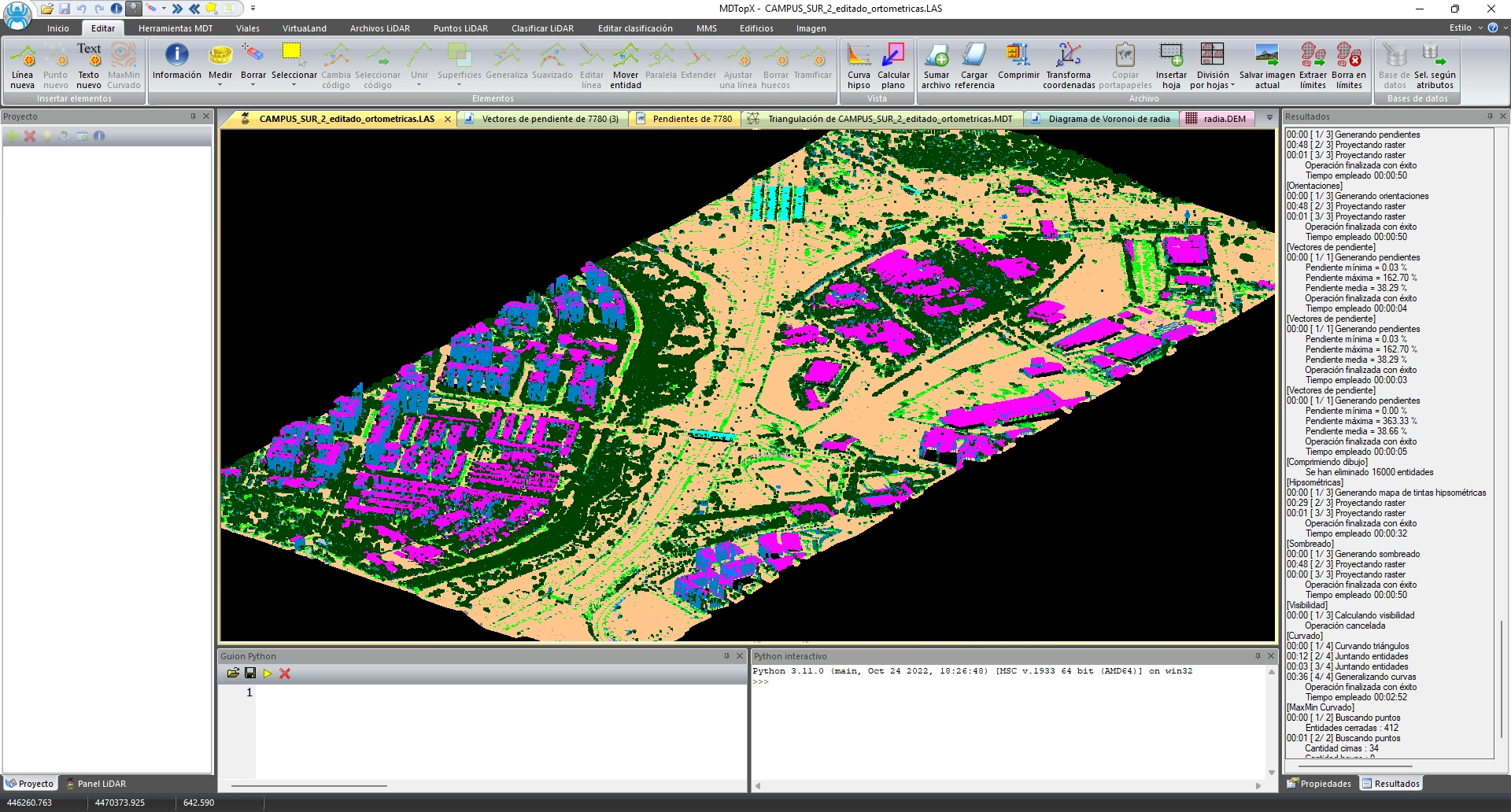
Delete, select, or change points by laser attribute.
Clean up and reclassify the cloud using each point's information.

Edit the cloud using vertical and horizontal profiles, selecting points above, below, left, or right of a line.
Clean up the cloud precisely by working with terrain cross sections.

Automatically locate high, low, isolated, airborne, and wall points, or points selected by flight line, geometry, color, intensity, or infrared data in the cloud.
Find outliers that affect the model.

Find points that fit planes, 3D straight lines, or cylinders.
Extract elements with defined shapes directly from the cloud.

Reclassify the point cloud automatically.
Speed up classification with an automatic process.

Reduce cloud density (thinning) to make the file smaller.
Reduce the number of points and the point cloud file size.

Smooth the point cloud and sort the points.

Average points between flight lines and detect overlaps and gaps.
Make clouds from multiple flight strips consistent and detect gaps.
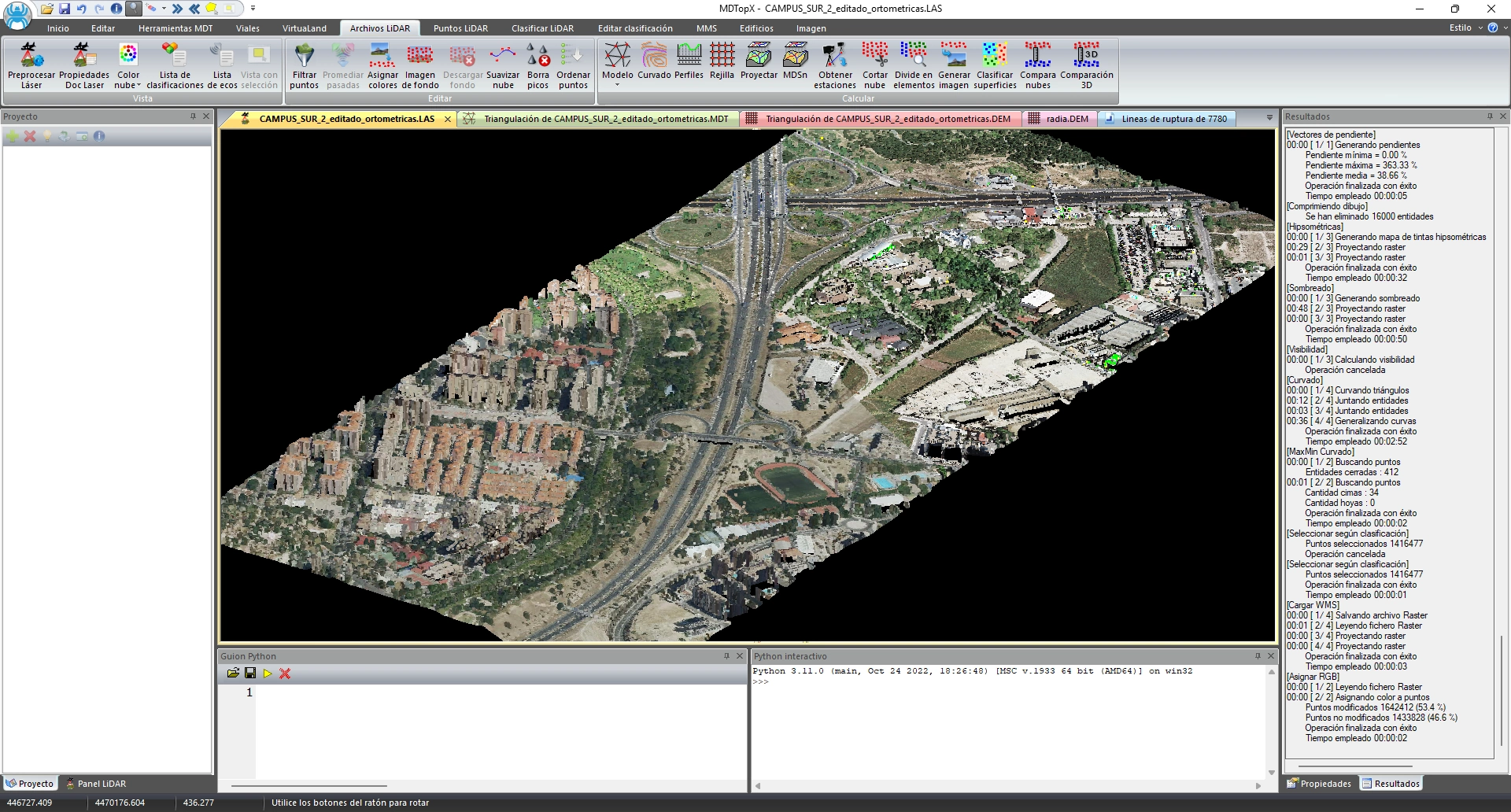
Apply true color to the point cloud from an image.
Display point colors sampled from an image.

Quickly classify points belonging to the terrain.
Isolate the ground to generate the terrain model.

Calculate planes and find parallel planes from points; detect building rooftops.
Detect flat surfaces and roofs within the cloud.

Generate contours, profiles, an nDSM (normalized digital surface model), and images from the cloud.
Obtain derived products directly from the point cloud.

Compare two point clouds, including spherical comparison.
Detect changes and deformations between two captures.
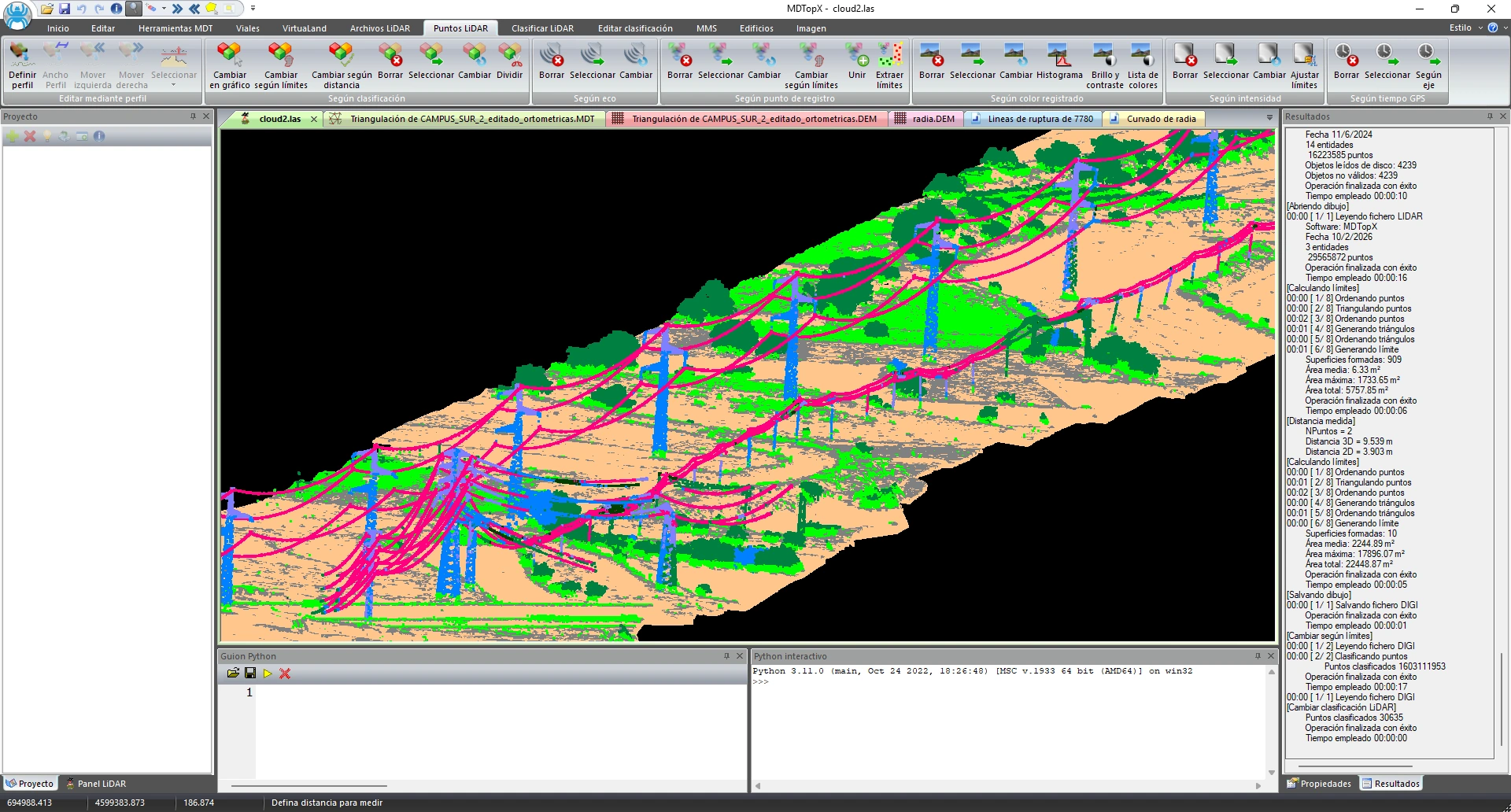
Extract power lines from the point cloud.
Automatically inventory power lines.

Merge and clip clouds, and split them by tile or height.
Organize large volumes of point cloud data into manageable pieces.

Design and check road and railway alignments, and obtain the associated construction data.

Define straight lines, curves, clothoids, and roundabouts; edit, join, copy, and move alignments.
Design the road's horizontal alignment using straight lines, curves, clothoids, and roundabouts.

Define and edit the grade, project the alignment to obtain the terrain profile, and redraw vertical profiles.
Design the road grade over the actual terrain profile.

List, define, and assign typical sections to the road.
Define the project's cross-sectional geometry and apply it to the alignment.

Manage superelevation tables by curve radius and assign them to the road.
Apply superelevation values from the assigned table to each alignment curve.

Generate the longitudinal profile and calculate the alignment's cross sections.
Obtain the project's profile documentation.

Calculate the modified terrain by applying roads to an existing DTM.
Visualize the final terrain with the construction integrated.

Calculate typical section layer volumes and the mass haul diagram.
Quantify earthworks for the linear infrastructure project.

Classify/define tunnels and obtain their inventory, lines, unwrapped views, and wrapped views.
Document and analyze tunnels from the point cloud.

Extract sequential points for stakeout, label alignments, reverse their direction, and generate centerlines.
Prepare the data to take the project into the field.
Accurately calculate cut and fill volumes and measure stockpile volumes.

Calculate cut, fill, and topsoil by comparing existing and proposed conditions (using a TIN or grid).
Calculate earthwork volumes between the existing and proposed terrain surfaces.

Calculate stockpile volumes from a point cloud.
Calculate material stockpile volumes from point cloud data.

Calculate volume differences between two surfaces.
Quantify volume changes between two conditions.

Generate graded areas with earthwork calculations.
Design platforms and calculate their earthwork quantities.
Orient, rectify, and process aerial images to produce orthophotos and mosaics.

Position and orient images on the model by measuring points or editing orientation.
Georeference your images.

Orthorectify images using the terrain model.
Turn perspective photos into metric orthophotos.

Calculate and edit seamlines and assemble the orthophoto mosaic.
Combine many orthophotos into an orthophoto mosaic using editable seamlines.

Clip, change pixel size, and calculate georeferenced image boundaries.
Adjust your images to the area and resolution you need.

Apply smoothing, enhancement, edge detection, inversion, and color transformations.

Analyze the histogram and adjust brightness and contrast; generate pyramids (mipmaps).
Adjust image brightness and contrast and generate reduced-resolution image levels for display.

Calculate image differences and the NDVI vegetation index.
Detect changes and analyze vegetation using indices.

Convert raster images to vector geometry, segment raster images, and convert vector geometry to raster images.
Go from images to vector mapping.

Generate a raster image from a set of points.
Create images from your point data.
Process mobile mapping data (from a vehicle or train) for road and railway inventories.
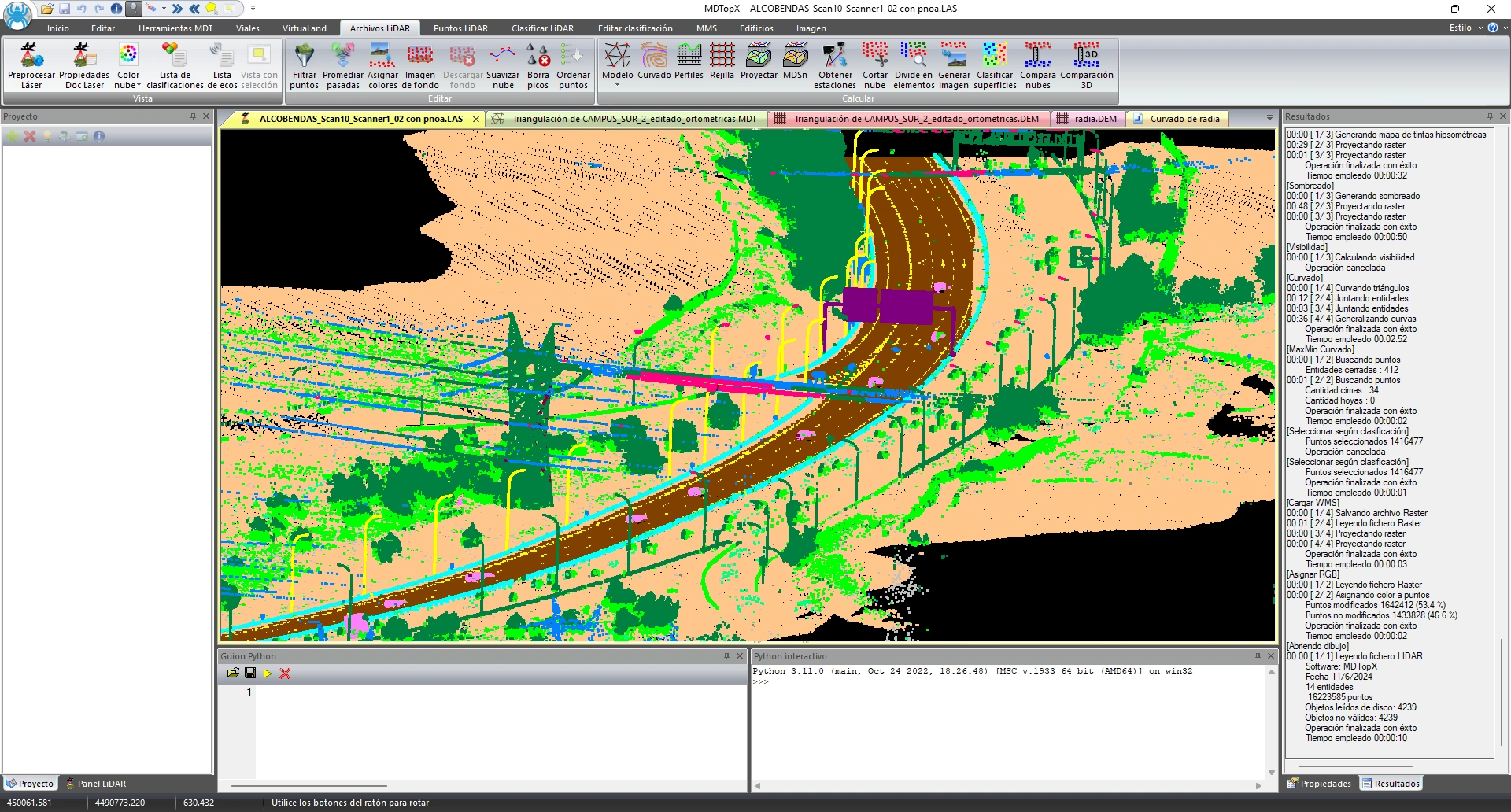
Detect ground points, asphalt, road markings, road lines, and guardrails; create feature inventories and calculate visibility.
Inventory an entire road from mobile capture data.

Detect ground points, rails, ties, rail lines, tunnels, overhead contact lines, and platforms, and create inventories of railway features.
Inventory the railway from mobile capture data.

Calculate the vehicle's trajectory centerline, create an area within a specified distance of the centerline, transform data, and populate the database relative to the centerline.
Structure the MMS project around the vehicle's trajectory.

Find trees and trunks in the point cloud.
Inventory trees around the road or railway.

Create, edit, modify by properties, list, and generate inventory objects.
Manage the infrastructure asset inventory.

Synchronize the background image with the trajectory and record route videos.
Use route images to help identify features.
Make use of the mobile system's 360° panoramic images.

Find, list, edit, and inventory signs from 360° images and the cloud; reference library and sign database.
Inventory signs from panoramic images.

Record, show, copy, and delete exclusion masks in panoramic images.
Hide unwanted areas of panoramic images.

Calculate image depth and generate spherical orthophotos.
Add metric information to panoramic images.

Vectorize and extract asphalt from the spherical image.
Generate vector mapping from panoramic images.

Assign color to the cloud from spherical images and generate 360° images with points.
Assign point colors sampled from panoramic images.
Reconstruct buildings and infrastructure from point clouds.
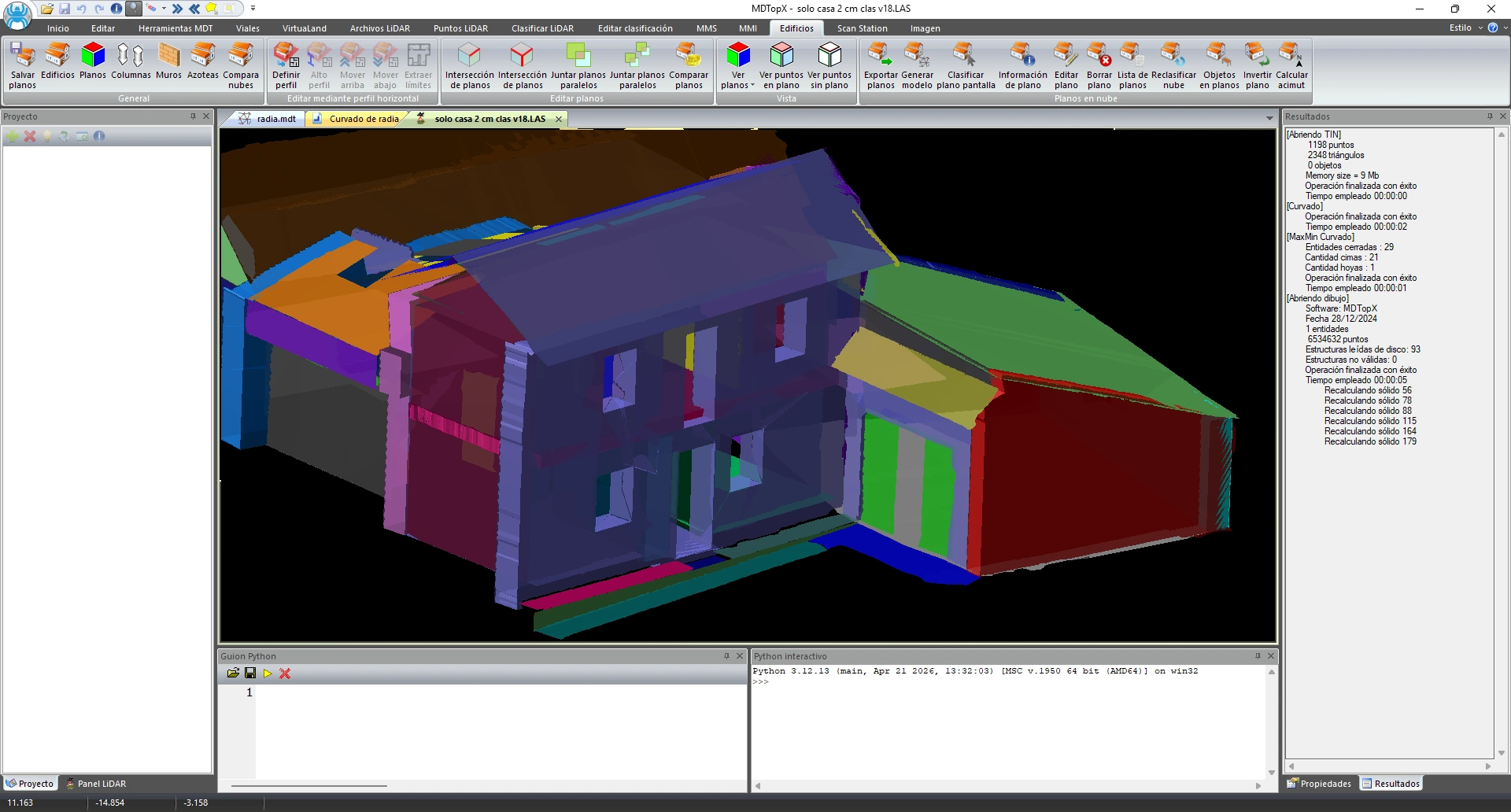
Calculate and edit facade and roof planes: perimeter, hole filling, merging, listing, relationships, azimuth, and normal reversal.
Extract facade and roof planes from the point cloud.
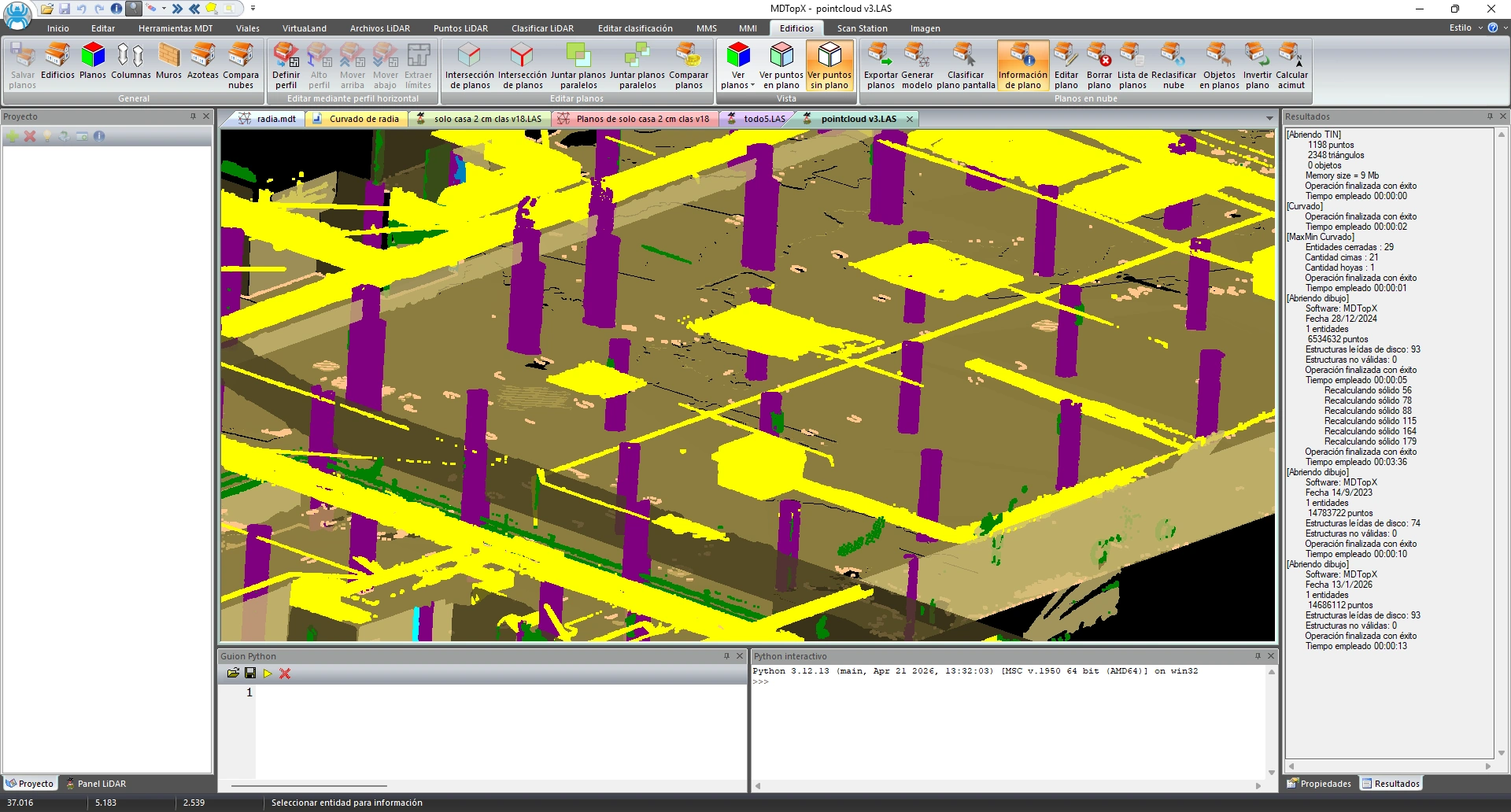
Detect columns, walls, pipes, furniture, and stairs.
Inventory building elements from the cloud.
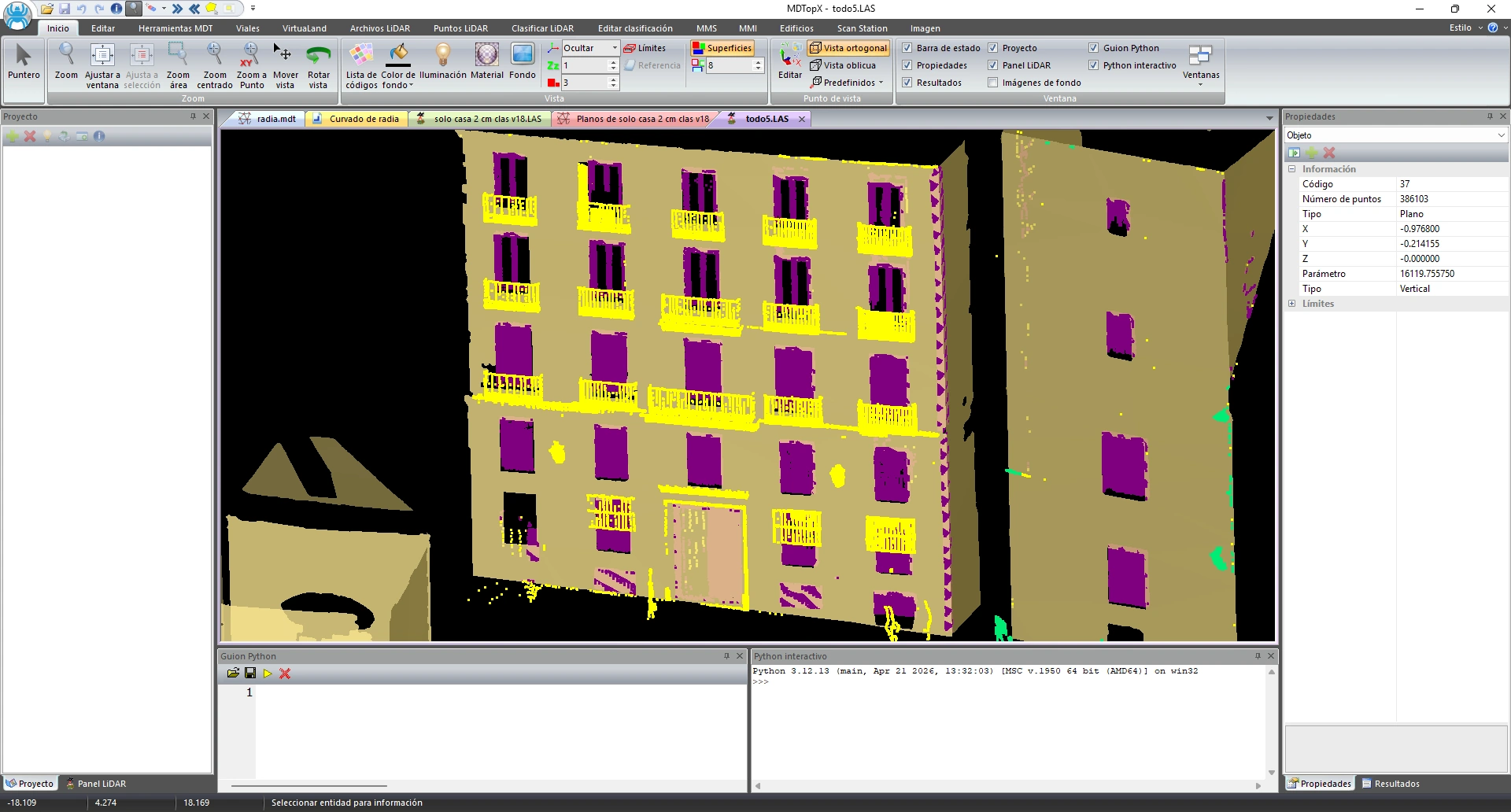
Reclassify the cloud by planes and detect objects on the planes.
Organize the building cloud by its surfaces.
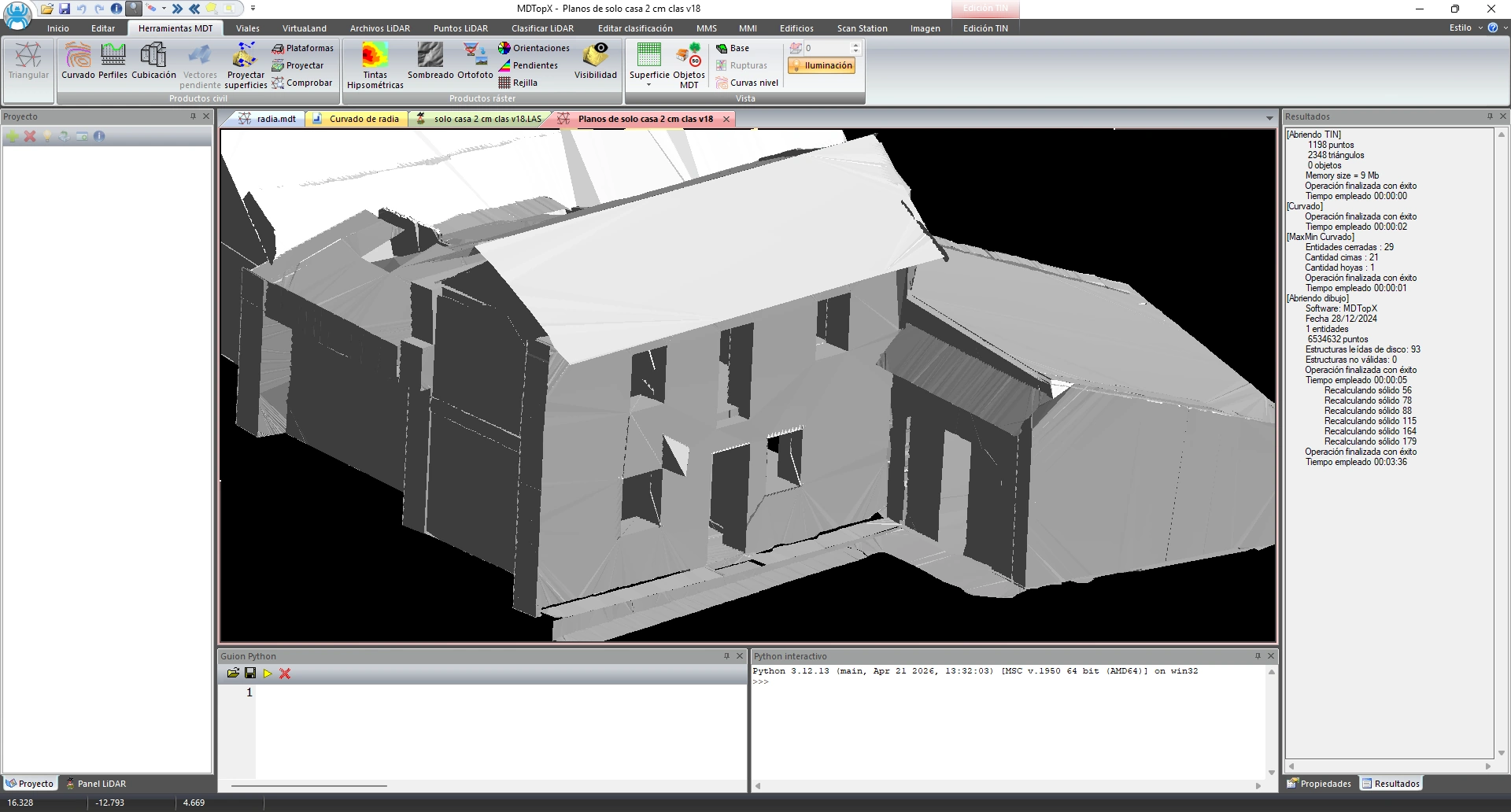
Generate the building's 3D model from the detected planes.
Obtain a three-dimensional building model generated from detected planes.

Compare buildings to detect differences.
Detect changes or deviations between two states.
Control the scanner and capture data directly.

Perform a manual or automatic scan with a direct connection to the scanner.
Capture point clouds directly from the application.

View and configure scanner capture parameters.
Control the scanner's capture parameters.

Capture a 360° panoramic image of the station.
Document the surroundings with panoramic images alongside the cloud.
Organize project files and import and export data in supported formats and exchange data with external services.

Import points, TINs, DEMs, roads, images, and projects from multiple formats.
Bring your data into MDTopX if its format is supported.

Export to multiple CAD, GIS, and mesh formats.
Export results in the supported CAD, GIS, and mesh formats.

Merge and add files, manage references, activate project files by their boundaries, export boundaries, extract entities, and sort elements.
Organize large jobs with many files.

Load WMS services, background images, textures, color surfaces, buildings, and trees.
Place your work in context with external mapping and features.

Divide the work into sheets and generate the sheet index map.
Prepare map deliveries using standard sheets.

Transform data between coordinate systems.
Convert your data to the reference system you need.
Explore and present your models in 3D.

Select preset viewpoints or a free 3D viewpoint; rotate and turn the model.
Choose a preset viewpoint or adjust a free 3D viewpoint.

Switch between orthographic and perspective views.
Choose the right projection for measurement or presentation.

Configure lighting, materials, background color, and vertical exaggeration.
Configure lighting, materials, background color, and vertical exaggeration for 3D views.

Show the model as a surface, triangles, vertices, fill, boundaries, breaklines, buildings, or trees.
View exactly the information layer you need.

Color the cloud by intensity, echo, recorded color, or classification.
Interpret the cloud using the attribute you need to highlight.

Create views with selected elements, save viewpoints, and record videos.
Prepare presentations and model tours.

Measure distances and areas, and distances between two points in 3D, in XY, and as elevation differences.
Measure distances, areas, and elevation differences on the model.
Automate repetitive tasks and create your own workflows.

Automate repetitive processes by running Python scripts.
Save time by automating entire workflows.

Run Python commands interactively within the application.
Test and run Python commands in the MDTopX interactive console.