Step 1: Input and output file selection
This is the first step in the levelling computation.
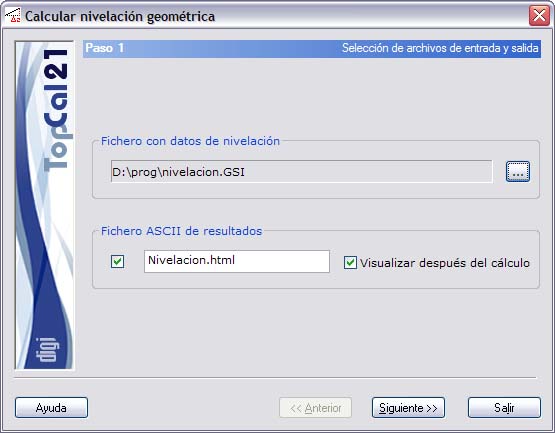
A screen is displayed where you must enter the input file with the data and the output file with the levelling computation:
- Levelling data file: You can select the input file by clicking the button to the right of the file name. This file must be in the GSI format generated by Leica levels.
- ASCII output file: This file can be in HTML or ASCII format. If the extension of this file is HTM or html, it is treated as HTML format; otherwise, it is treated as ASCII format. You can view this file (with the viewer specified in the Preferences dialog box of the Edit menu) by selecting the check box to the right, named Show after computation. The results file is created in the directory of the levelling data file.
Once these data are entered, click the Next button to go to Step 2: Computed height differences.