Area computation results
Besides the results obtained, in this dialog box you can choose to save the surface as a graphic in a sketch file. To do so, the tool must have been called from a file that belongs to a project. In that case, the dialog box shows the sketch files of the current project. If the project does not contain any sketch file, you can create one by clicking the Create new sketch button. If you decide to include the surface in a sketch, select the layer in which the entity will be recorded.
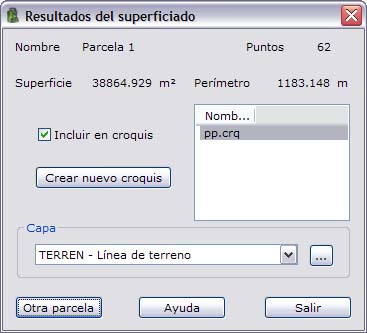
Click Another plot to define another plot, or click Exit to close the tool.