Improvements to database field customization
If we work in Digi3D.NET with databases, selecting a code associated with a database table shows the fields of that table in the pane of Database fields as you can see below:
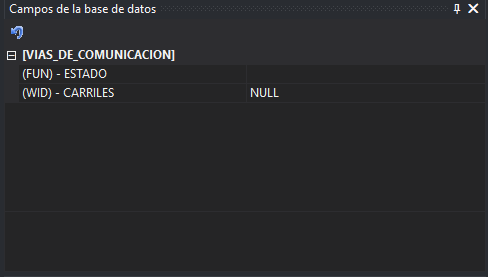 In the first versions of the program the name of the field in the table was shown, but as the name can be something less descriptive like FUN or WID for example, we added the possibility to indicate in the Code Table Editor:
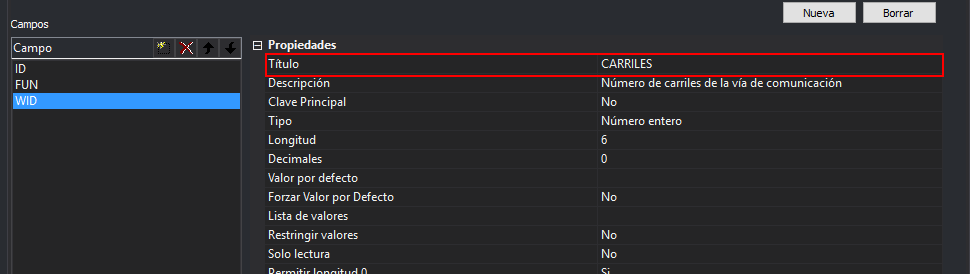 ...and we made Digi3D.NET by default show that title in the table fields in the pane of Database fields, making the original field name no longer appear.
The problem is that it does not always rain to everyone's liking, and we have been requested the possibility of showing the name of the field and not the title, so we have added in the program configuration a new section named Database with a single configuration parameter named Display Name. This parameter has three possible values:
- Total number
- Title
- Name and title
In this way, the fields will be displayed in the format that interests you most. You can see this new functionality in the following video: